 COWABUNGA.work
settings policies
the need
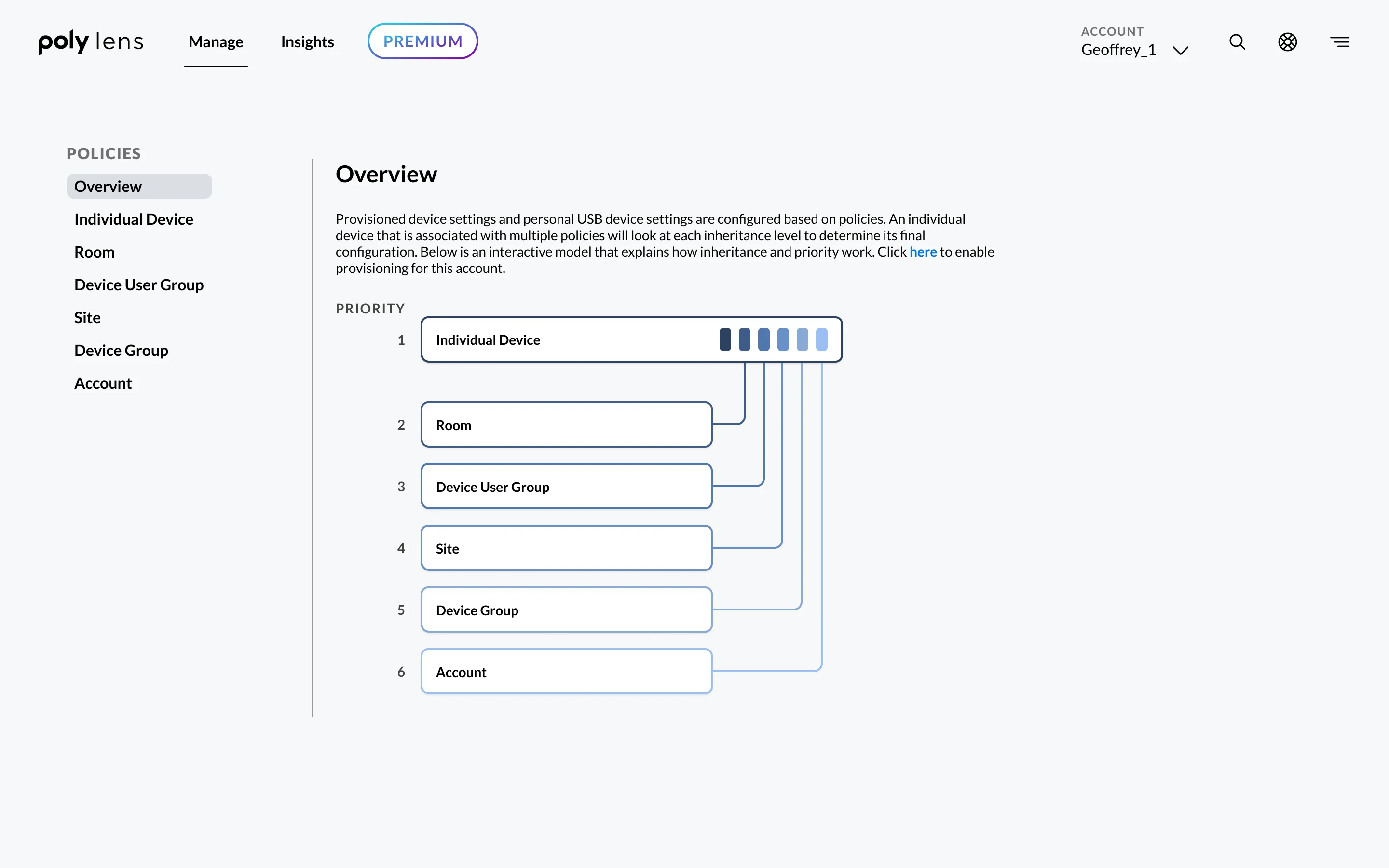
Users needed to configure settings across many devices, organize them by metadata like location or group, and understand how policies are inherited and resolved when settings conflict.
The existing tools were hard to navigate without prior knowledge. Users struggled to find settings, tell defaults from configured values, and trace where a setting came from.
my role and process
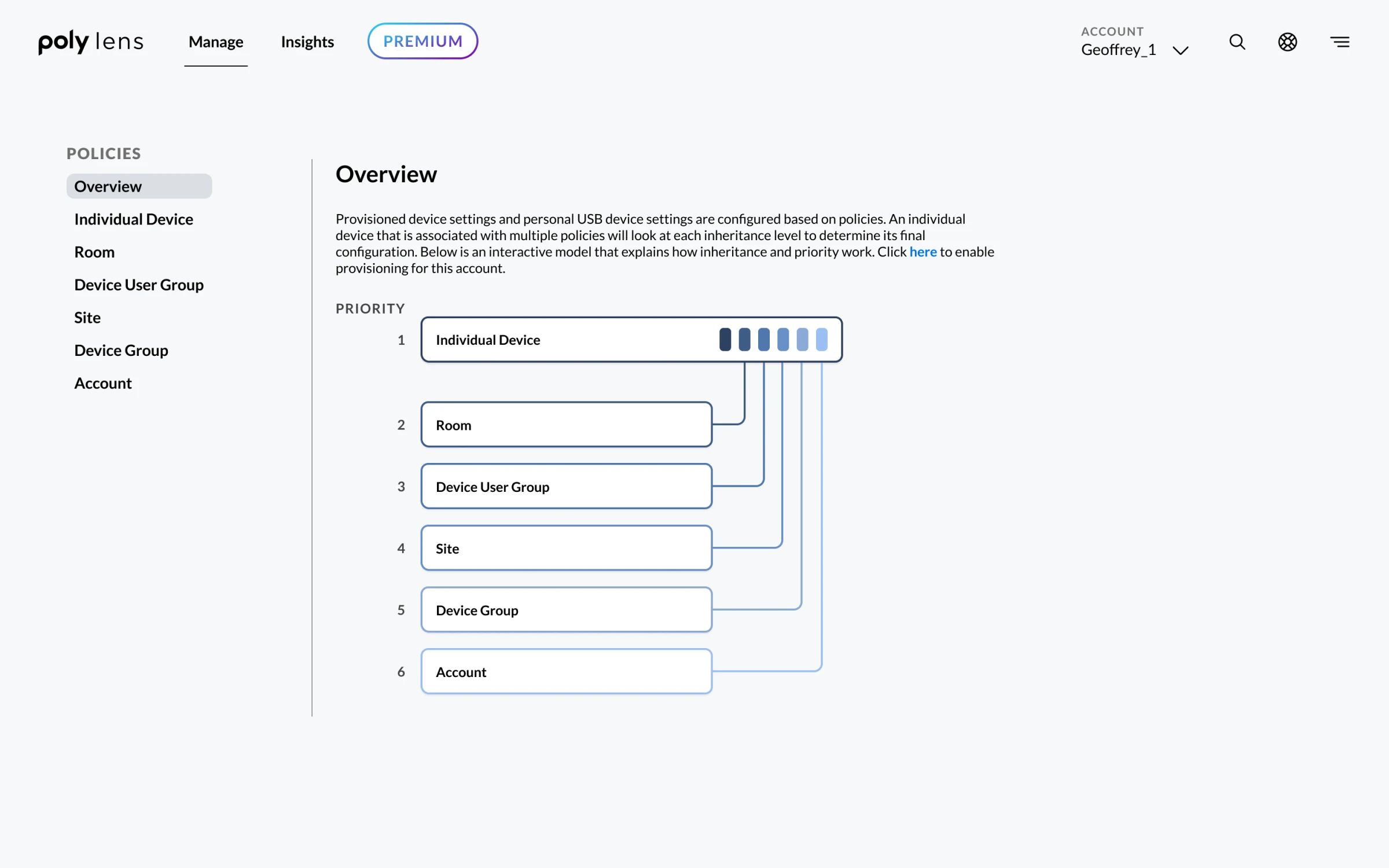
I owned the feature from early research through design. I spoke with users and subject matter experts to understand the system, then turned what I learned into a workflow for experienced users and newcomers alike.
I built clickable prototypes and reviewed them with the design team, product managers, and developers, whose feedback refined the experience and kept it in scope.
the approach
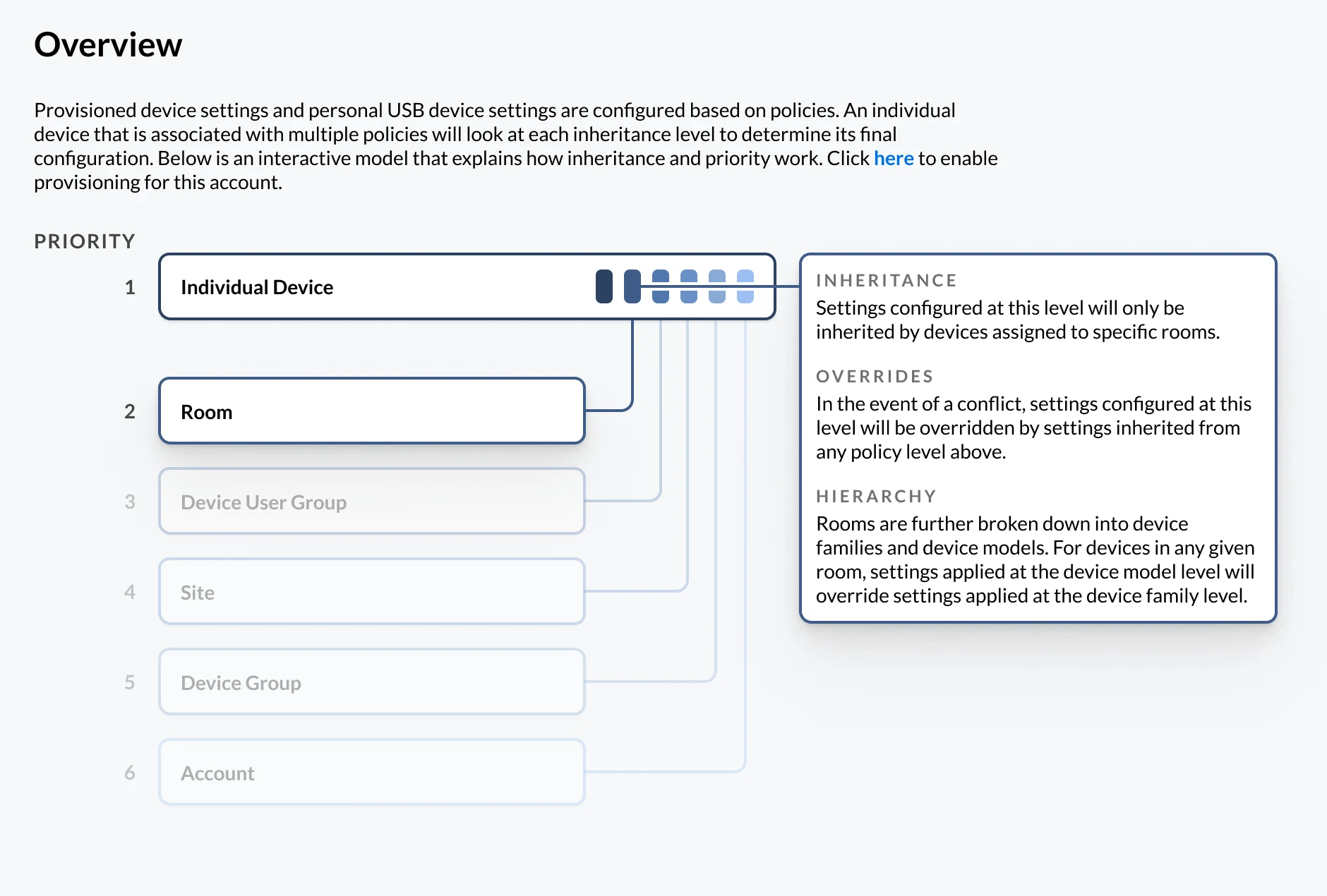
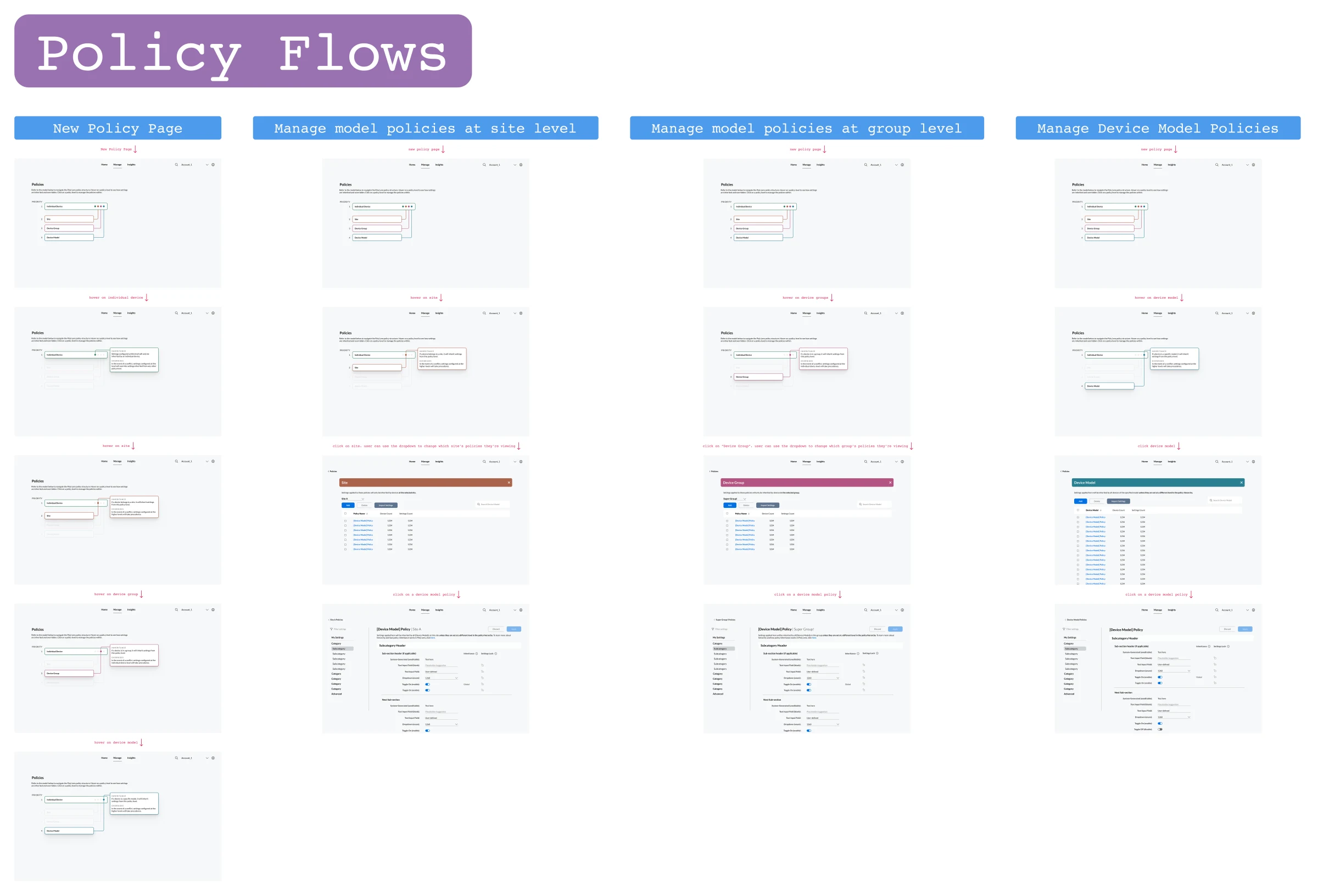
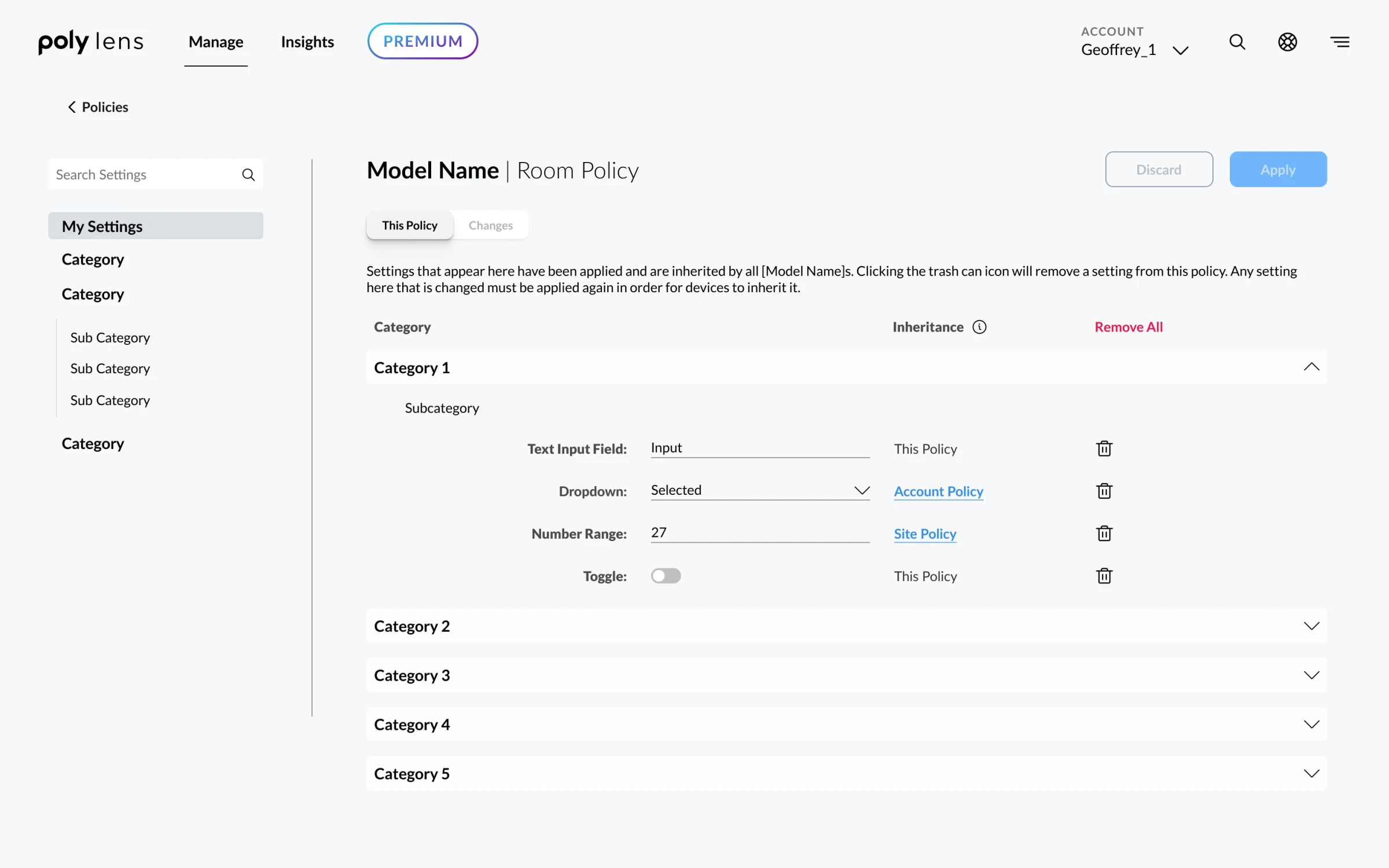
I designed an interactive diagram that explains policy precedence, conflicts, and overrides, paired with a My Settings page that shows which settings changed at the current level and which are inherited. Users can discard local changes or jump to the level where an inherited setting was configured.
Selecting a level in the diagram shows whether a policy exists for a device model and lets users create one, so they only configure the levels they use while changes and inherited settings stay visible.
Users have praised the diagram for making the policy structure easier to understand and manage.
takeaways
Understanding the system’s granular controls helped me propose ideas that made the experience clearer. I’m most proud of the diagram, because it shows how policies relate and how settings interact across levels.
When a system has become second nature to its experts, asking the right questions is essential. The challenge is turning their knowledge into something a wider range of users can understand.
If I revisited it, I’d explore a direct workflow for experienced users alongside a guided, step-by-step option for people who need more context.